

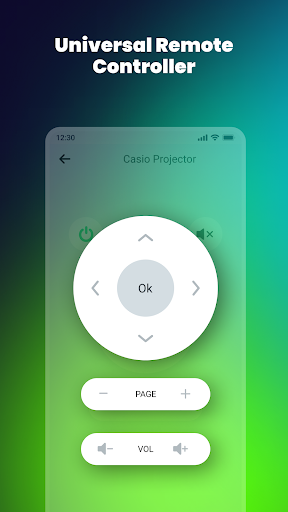
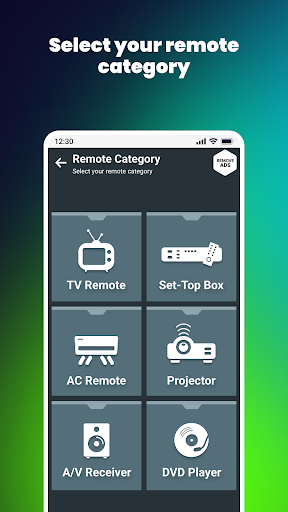
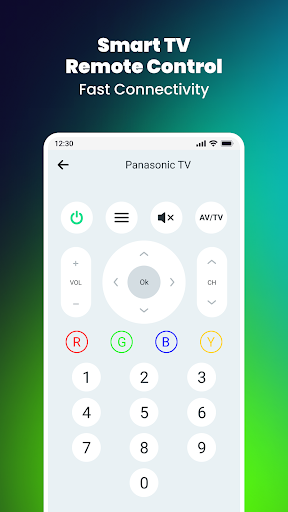
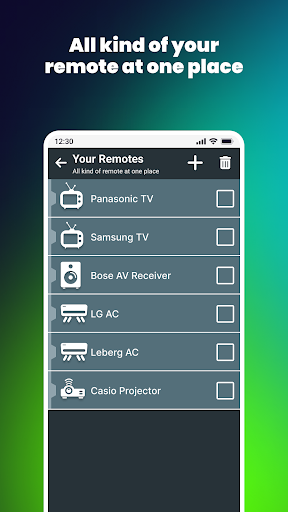
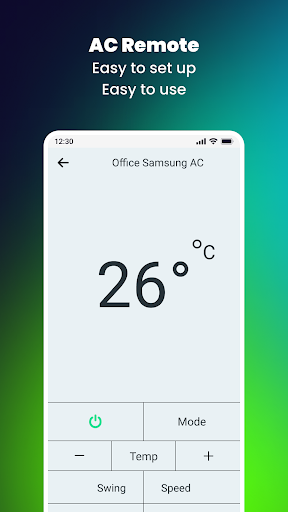
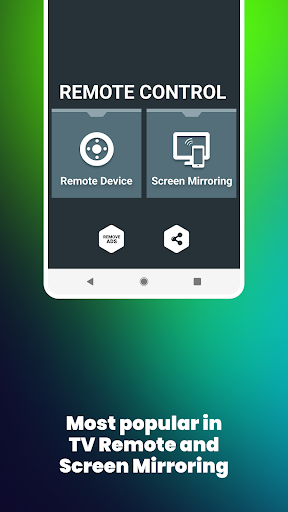
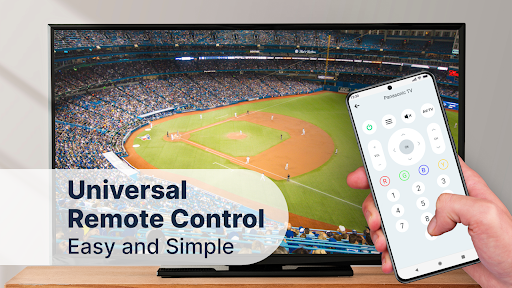
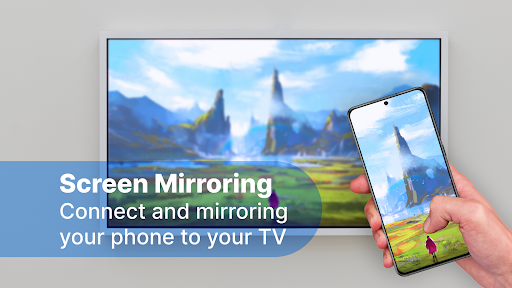
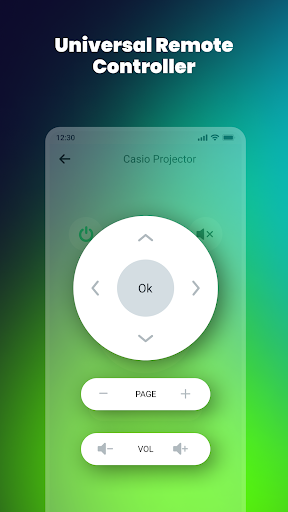
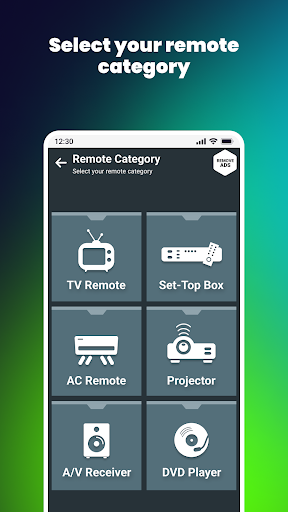
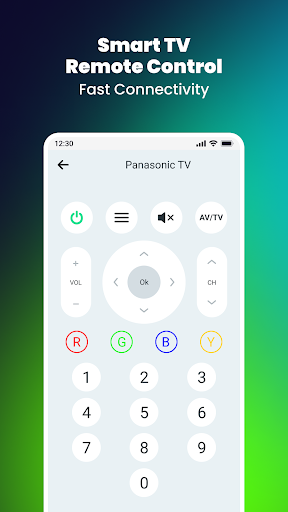
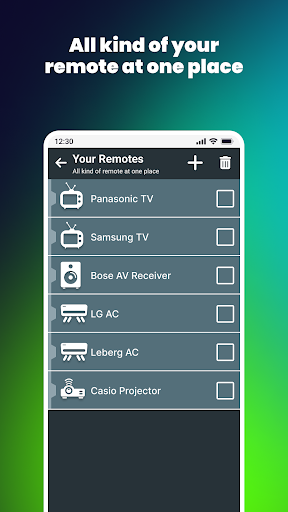
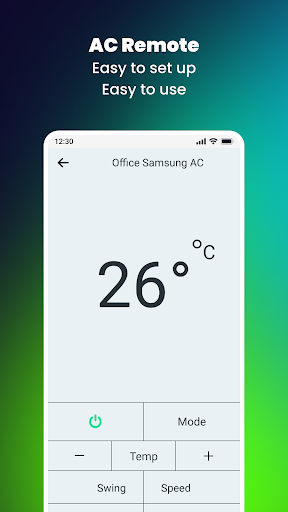
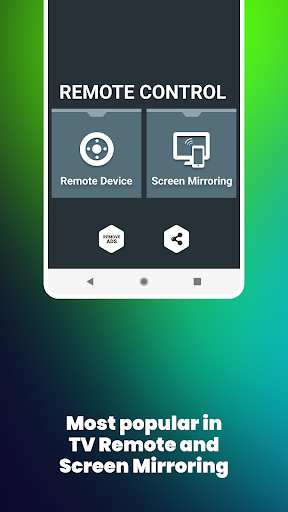
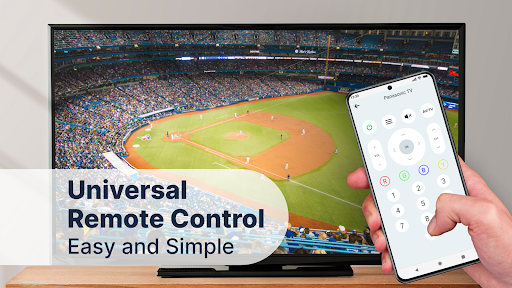
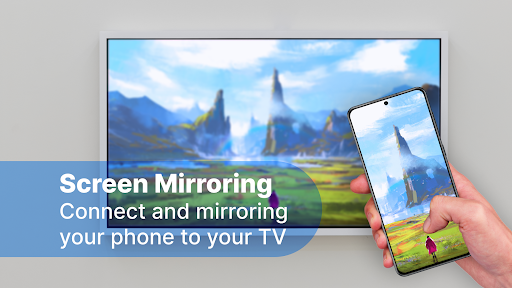
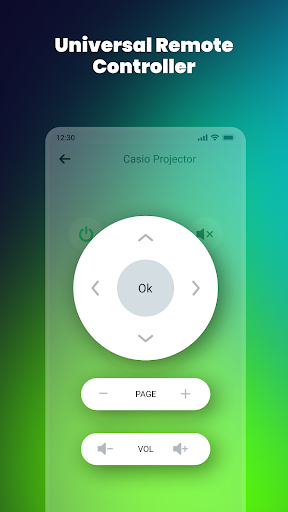
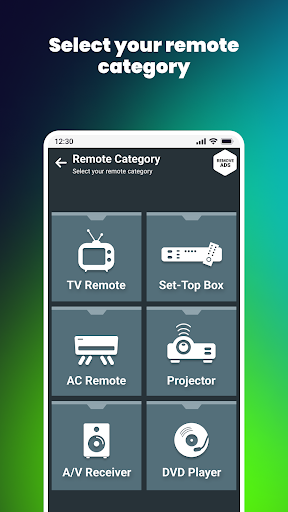
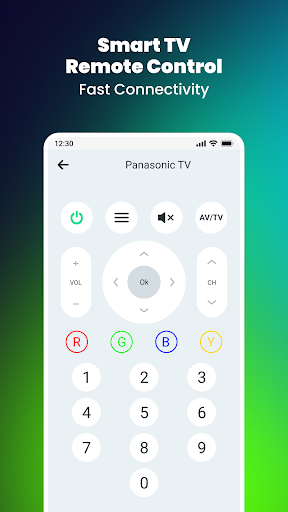
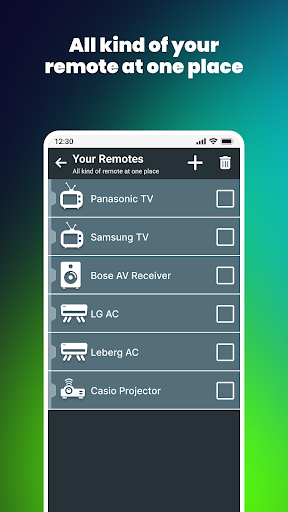
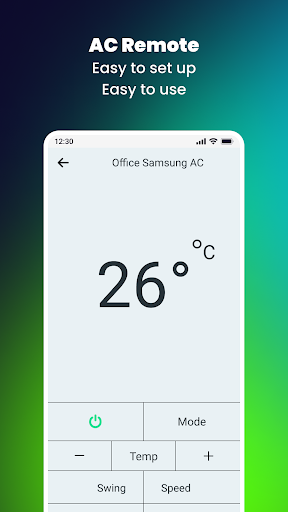
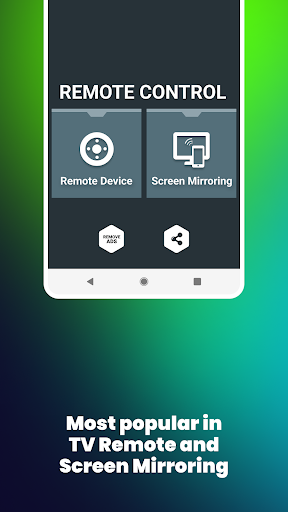
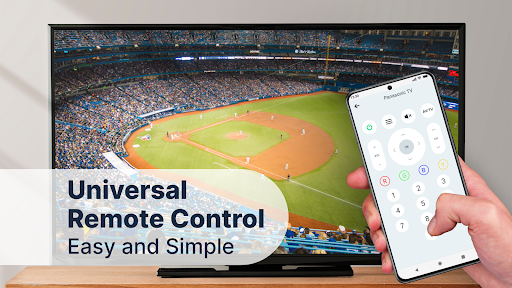
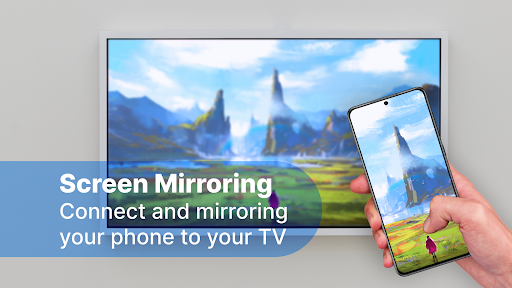
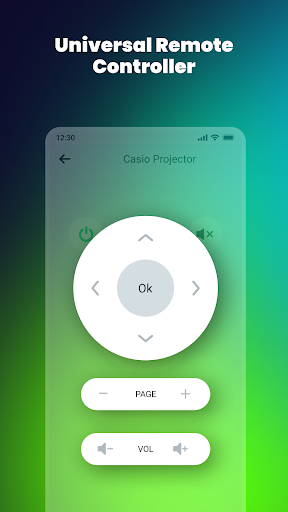
Remote Control for All TV is an app designed to transform your smartphone into a versatile controller for various television sets. Its primary function is to act as a universal remote, allowing users to manage their TV’s basic operations such as power, volume, and channel selection. A key distinguishing feature is its capability to function as both a Wi-Fi remote for smart TVs and an offline universal remote utilizing your phone’s built-in IR blaster, eliminating the need for an internet connection for certain controls. Beyond remote functionality, the app also includes tools for screen mirroring, enabling users to cast their Android device’s screen and audio to a compatible smart TV in real-time.
TV Remote Control Capabilities
The app supports a broad range of TV brands, including Apple, Element, Emerson, Fire, Haier, Hisense, Insignia, LG, Panasonic, Philips, Roko, Samsung, Sharp, Sony, Toshiba, and Vizio. Users can perform essential remote control actions such as powering the TV on or off, muting and unmuting, adjusting volume up or down, and changing channels. It also provides a menu button with directional controls (up, down, left, right) for navigation. This functionality is available for both smart TVs via Wi-Fi and for other TVs using the smartphone’s infrared (IR) blaster, allowing for control even without an active internet connection.
Screen Mirroring and Broadcasting
Beyond its remote control features, the app integrates screen mirroring functionality. This allows users to project their Android device’s display, including photos, videos, games, and other applications, onto a larger TV screen. The app facilitates broadcasting of the Android screen and audio in real-time, providing a method to view content from a mobile device on a connected television.







Write a review